
Employers and HR
Refer with consent and follow referral status. Family documents stay private.
Open HR workspaceFor organisations
Refer a client, support an employee or apply to work on cases. One passwordless account gives you the workspace for your role.
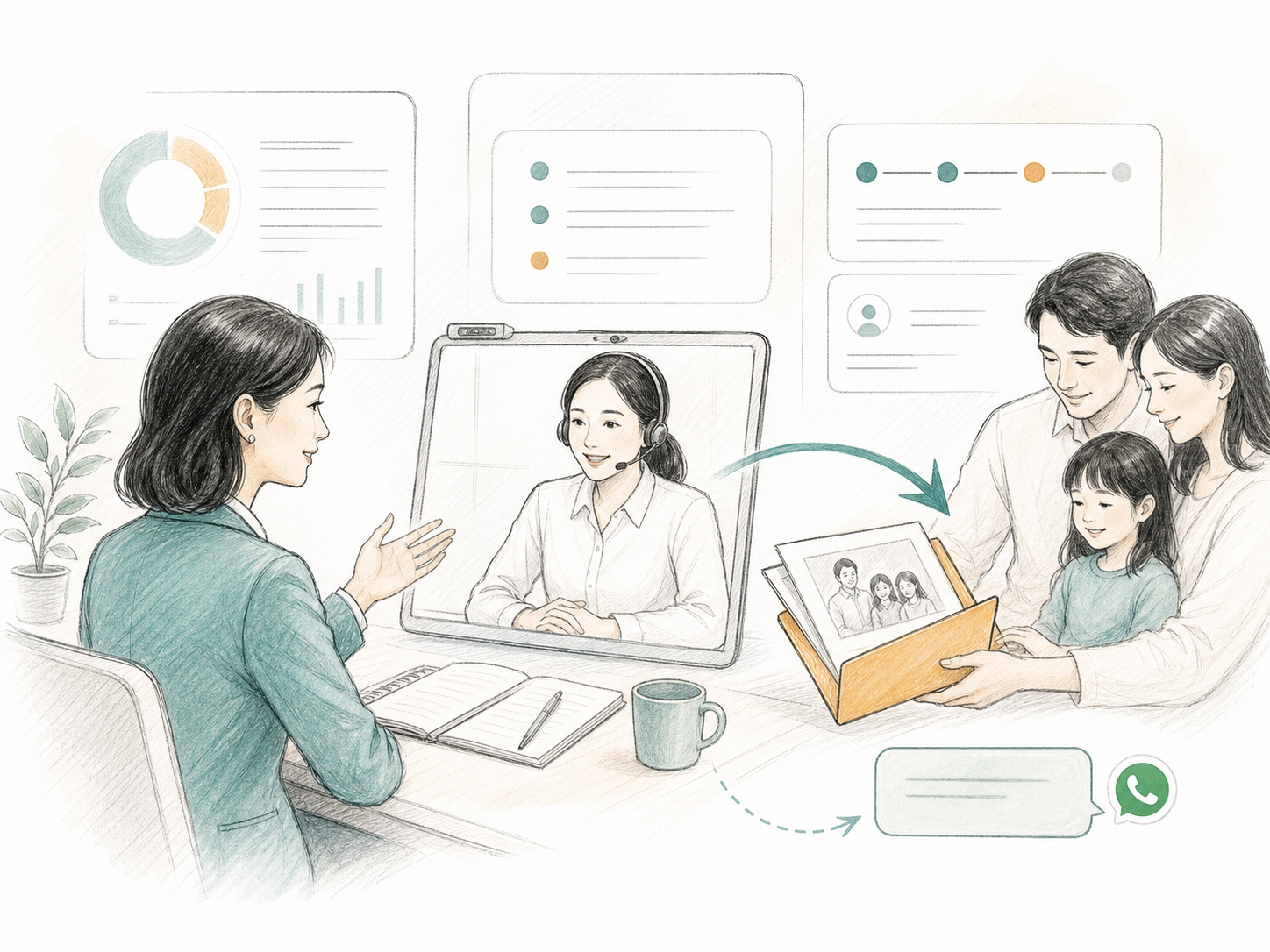
Refer with consent and follow referral status. Family documents stay private.
Open HR workspaceRefer a client with their permission and see whether they have taken up the support.
Open referral workspaceApply, complete a credentials review, then work on cases assigned to your account.
Apply to provide services
Help an employee’s family find support. Refer them with their permission and follow the referral while their documents stay private.
Register as an employer partner
With their permission, refer policyholders or beneficiaries for help and follow their referral. You remain responsible for insurance claim decisions.
Join as an insurance partner
Extend planning conversations into will, LPA, legacy and estate support while keeping professional roles clear.
Join as an adviser partner
Refer clients or apply to provide legal services. Approved providers work on assigned cases, exchange documents and ask clients questions.
Apply as a legal partner
Help families find support with estate paperwork and claims after the funeral. Ask their permission before referring them.
Apply as a funeral partnerAsk the family’s permission, then share their contact details and what they need help with.
Our team reviews the referral. The client signs in with their referred contact and chooses to open a private case.
Referrers see referral status. Approved providers see only assigned cases and permitted documents. They can ask questions and upload revised records.